Free
$0
5 recordings · 60 min each · All AI features
Colloquy · iOS · Private transcription
100% on-device voice recording and AI transcription. Built for the moments you can’t risk a cloud upload — depositions, therapy sessions, source interviews, board meetings.
What it does
Recording, transcription, speaker labelling, and AI summaries — all locally. Zero servers in the loop.
Industry-leading Whisper AI runs entirely on your iPhone. No audio is ever uploaded — period.
Every recording is encrypted at rest. The key is in your Keychain. We physically cannot read your files.
In two-person recordings, each segment is labelled with who is speaking. Rename them to real names afterward. Three or more voices get a transcript without labels rather than wrong ones.
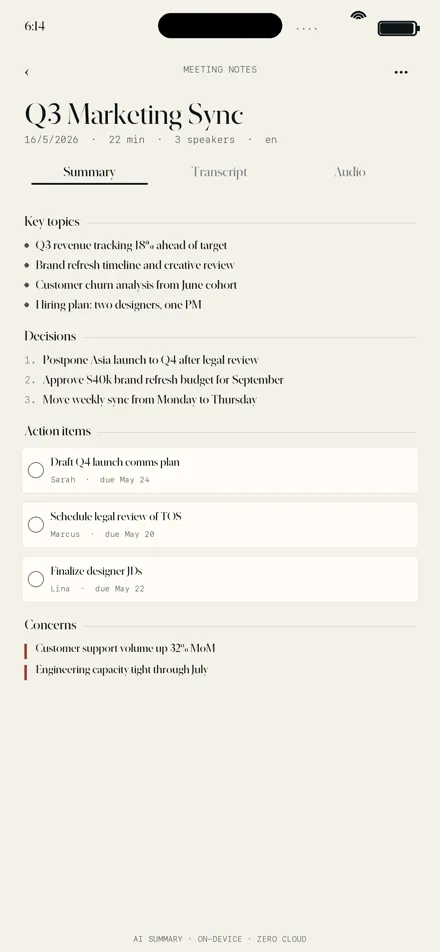
Five industry templates (Meeting, Legal, Therapy, Interview, General). Action items, decisions, and key topics extracted for you.
TXT, Markdown, Word-compatible RTF, SRT subtitles, PDF. Your data, your formats.
Add medical, legal, technical, or proper noun lists. Whisper uses them as context for higher accuracy on jargon.
Screens
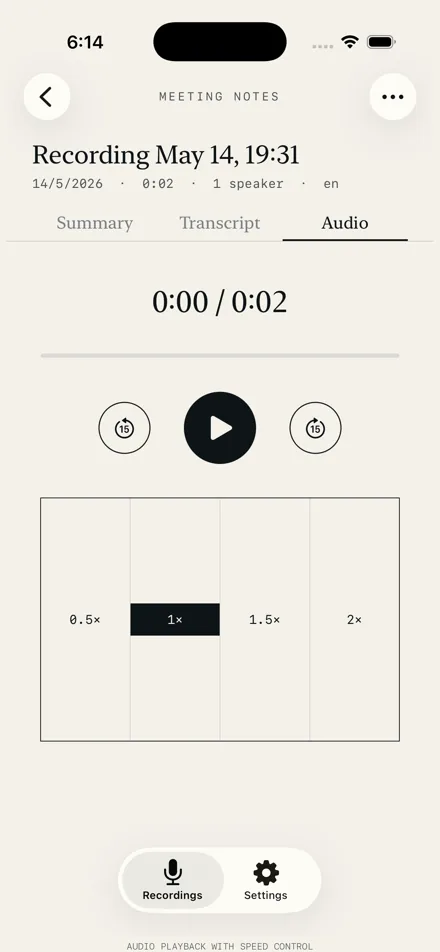
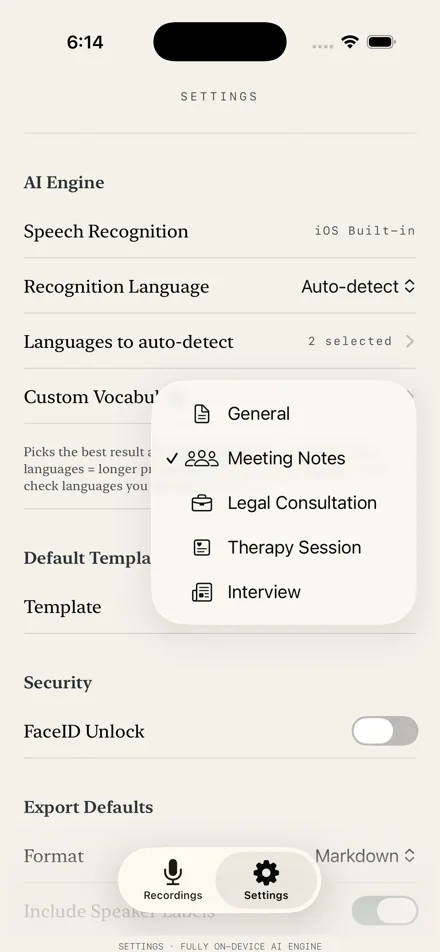
Three screens from Colloquy’s App Store listing: a meeting summary, audio playback, and the summary templates in Settings.
Who it’s for
When sending audio to Otter or Rev isn’t an option.
Client meetings, depositions, court prep — recorded and transcribed without privilege concerns.
Session notes generated on the iPhone with the Therapy Session summary template. Recordings and transcripts never leave the device.
Interview recordings transcribed offline. Sources stay sources, even from your own analytics provider.
Strategy meetings, board calls, 1:1s. Action items extracted by AI, every detail searchable.
Pricing
5 free recordings up to 60 minutes each. Like what you see? One-time purchase unlocks unlimited recording length and recordings — no subscription, ever.
$0
5 recordings · 60 min each · All AI features
$49.99 USD
Unlimited recordings · No length cap · Pay once
Prices are set in US dollars; your App Store charges the equivalent in your own currency.
Questions
More answers on the Colloquy support page.
No. After the one-time AI model download (~216 MB), Colloquy works completely offline. Recording, transcription, speaker labelling, and AI summaries all run on your iPhone.
Yes. Every recording is encrypted with AES-256-GCM before being written to disk. The encryption key is generated on first launch and stored in your iOS Keychain — we have no servers and cannot access it. Audio, transcripts, and summaries never leave your device.
The free version includes up to 5 recordings, each up to 60 minutes long, with full features: high-quality 48 kHz recording, on-device transcription, two-person speaker labelling, AI summary, and export to TXT / Markdown / RTF / SRT / PDF.
Colloquy Pro is a one-time purchase of USD $49.99. Pay once, use forever. No subscriptions, no recurring charges, no surprises. Prices are set in US dollars; your App Store charges the equivalent in your own currency.
Colloquy supports 50+ languages via Whisper, including English, Mandarin (Simplified & Traditional), Cantonese, Japanese, Korean, Spanish, French, German, Italian, Portuguese, Russian, Arabic, Hindi, and more. You can also enable auto-detect mode to handle multilingual recordings.
For two-person recordings — interviews, sessions, consultations — yes. Colloquy labels each speaker (Speaker A, Speaker B) and you can rename them to real names in the transcript view. For recordings with three or more people it produces the transcript without speaker labels: automatic labelling is not accurate enough with more voices, and a wrong attribution is more misleading than none.
Yes. Colloquy is a Universal app that runs on iPhone (iOS 17+) and iPad (iPadOS 17+). All features work on both. The iPad version uses the larger screen for side-by-side audio playback and transcript editing.
Colloquy for iPhone and iPad
Built for people whose work depends on confidentiality. The only network requests are one-time model downloads. Turn on aeroplane mode and check it yourself.
Made by Willneeds, a software development company in Melbourne. We also build apps for businesses: see our mobile app development service.